IsoBuilder
A downloadable tool for Windows
Create isometric pixel art more easily using orthographic views.
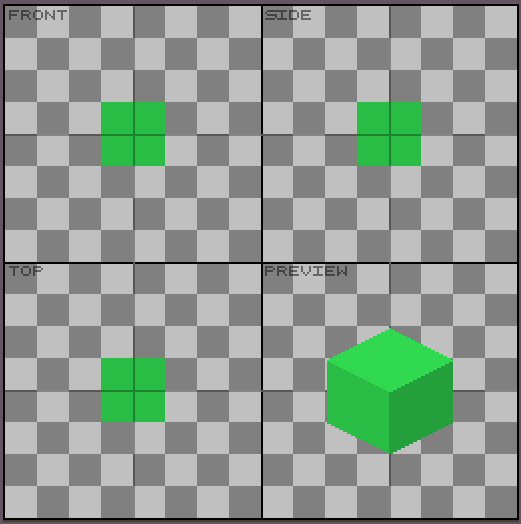
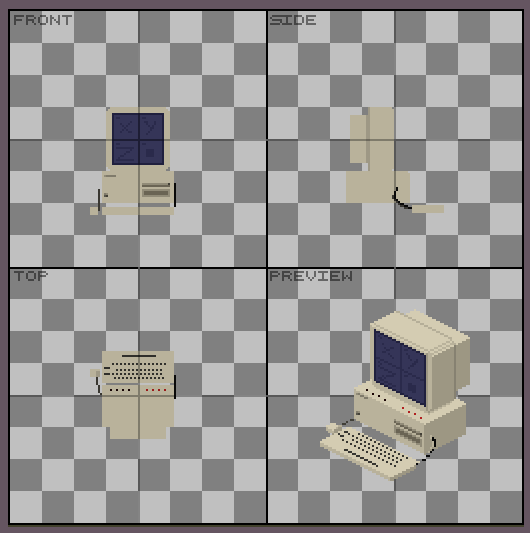
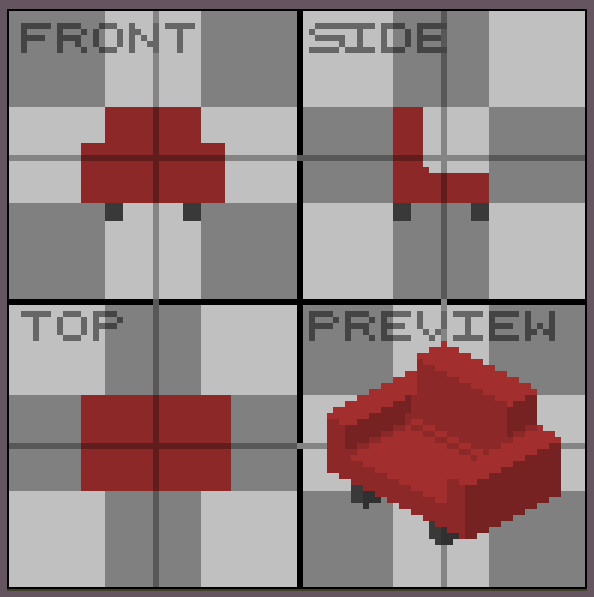
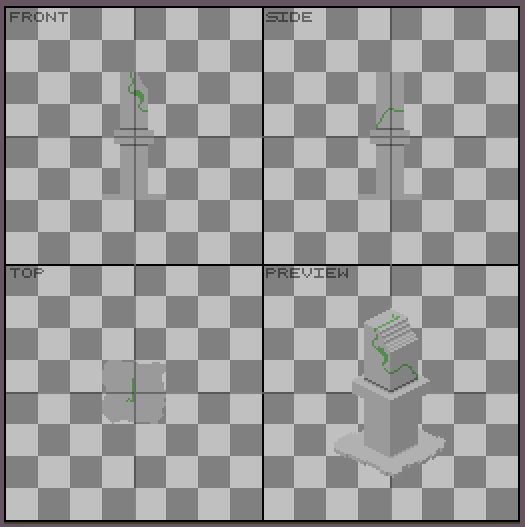
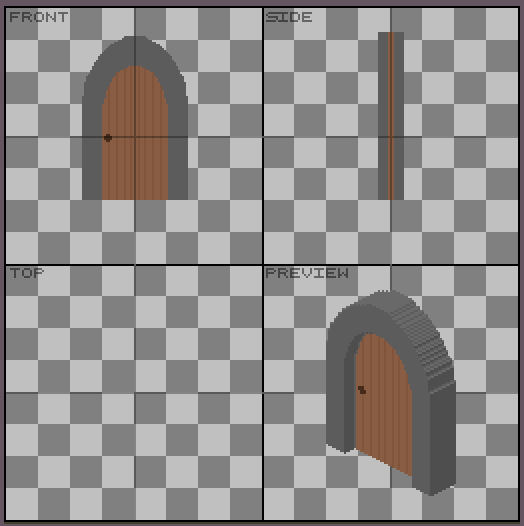
IsoBuilder is an Aseprite extension that lets you create editable isometric pixel art from three orthographic views: Front, Side, and Top.
Simply draw each view in its corresponding workspace and click Render to generate an editable isometric preview. You can then make any final adjustments directly in the preview layer or copy it if you want, its just a normal layer!
Features
- Create isometric pixel art from Front, Side, and Top views.
- Adjustable workspace size.
- Generate an editable Preview layer.
- Choose between the original face colors or default isometric colors.
- Enable or disable automatic shadows.
- Non-destructive workflow: the generated preview can be edited freely.
Compatibility
- Fully compatible with **Aseprite 1.3.x**.
- Likely compatible with **Aseprite 1.2.x**, but it has not been fully tested.
Enjoy creating isometric pixel art with IsoBuilder!
Installation
- Download and extract the ZIP file.
- Inside, you'll find a file named IsoBuilder.aseprite-extension.
- Double-click the file to install the extension in Aseprite.
- Restart Aseprite after the installation is complete (recommended).
How to Use
Once the extension is installed, open the File menu and select IsoBuilder to launch the plugin. The IsoBuilder window will open.
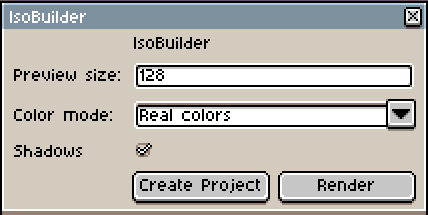
Choose the desired preview size (for example, 48 px, 128 px, or 256 px) and press new project to create a new workspace. The canvas will be divided into four equally sized sections.
Draw your object using the Front, Side, and Top views. When you're ready, click Render to generate the isometric preview.
You can draw only in the FRONT view, but you will get a less detailed result.
Important: To generate a correct isometric render, the drawings in the Front, Side, and Top views must be aligned and share the same coordinates. Any misalignment between the views may produce incorrect results.
Drawing the orthographic views can be a little tricky at first, but once you get the hang of it, you'll be able to create some amazing isometric artwork!
The IsoBuilder window also lets you:
- Enable or disable automatic shadows.
- Choose between the original face colors or the default isometric colors.
The generated result is placed on a Preview layer, allowing you to edit and refine the final sprite freely.
You can add multiple layers to your design to draw additional objects—sometimes a single layer just isn't enough!
Known Issues
- On some systems, the Create Project button may not respond immediately when the IsoBuilder window is first opened. If this happens, simply move your mouse cursor outside the IsoBuilder window, then move it back and click the button again.
- Rendering will not work if there is an active pixel selection. If this happens, simply deselect everything and try again.
Upcoming Update v1.1
Performance improvements for larger sprites.
Better shadow system
Purchase
In order to download this tool you must purchase it at or above the minimum price of 3.99€ EUR. You will get access to the following files:
Development log
- IsoBuilder - New showcase video!1 day ago
Leave a comment
Log in with itch.io to leave a comment.